Select
Highlight the words you want to hear.
Highlight text in any app and hear it in one shortcut. Start with free on-device voices. Add ElevenLabs or Cartesia with your own key if you want.
See how it worksFor macOS · App Store release in preparation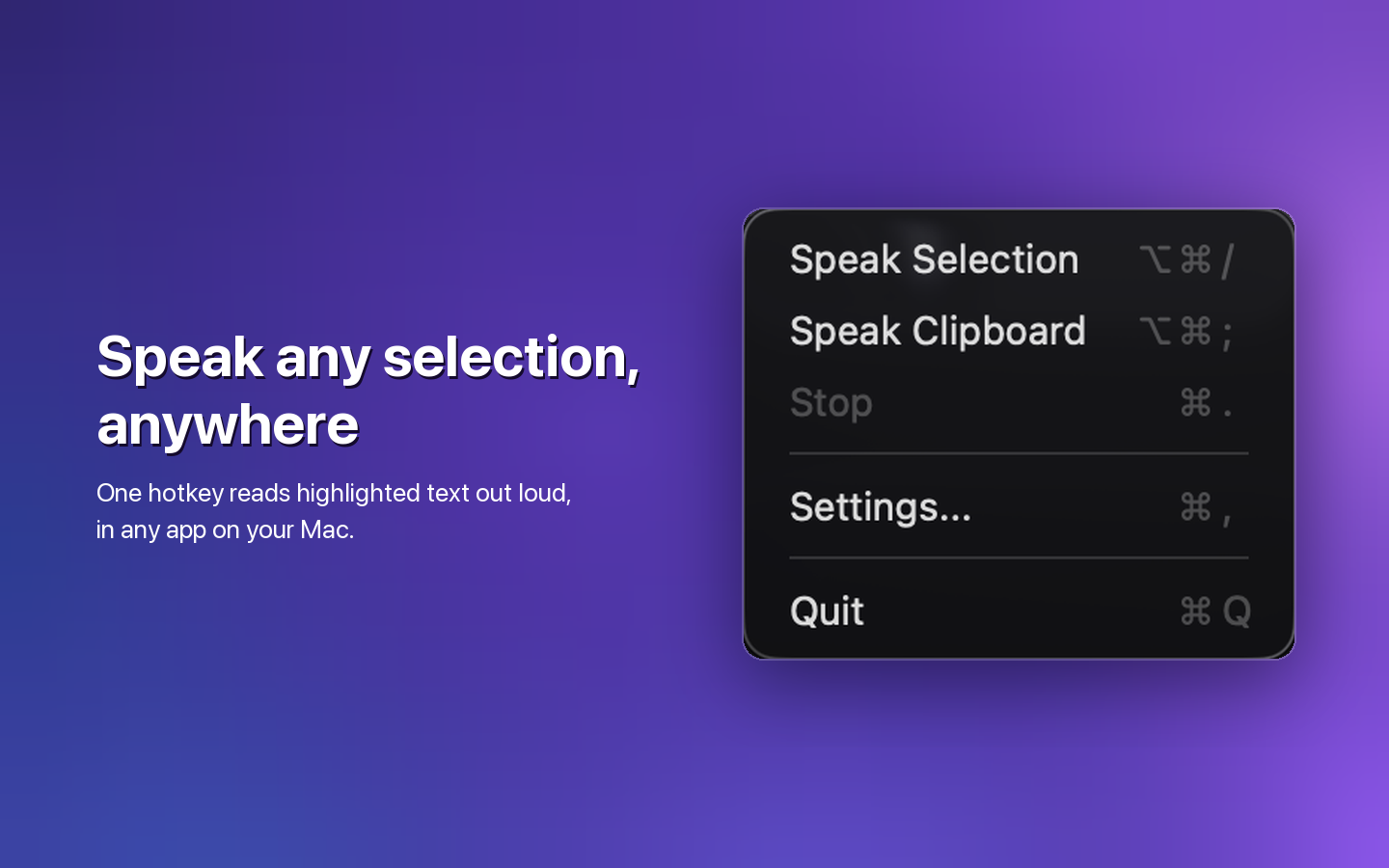
Select text in any app, press your shortcut, and keep moving.
Highlight the words you want to hear.
Press Command–Option–Slash or use the menu bar.
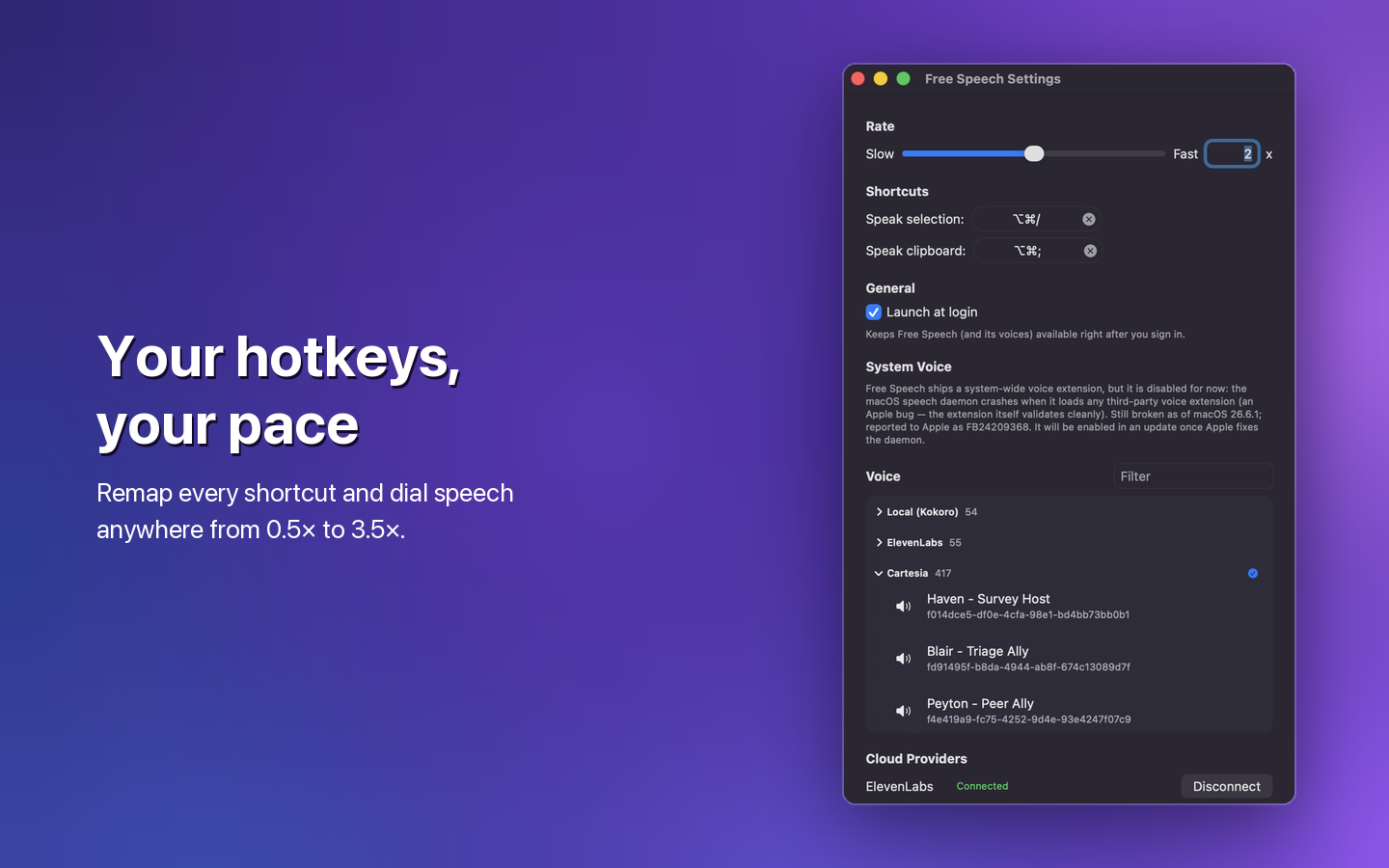
Choose the voice and pace that work for you.
Free, on-device, offline.
Optional. Bring your own API key.
Optional. Bring your own API key.
Kokoro voices run entirely on your Mac. Free Speech sends text to ElevenLabs or Cartesia only when you connect that provider and select one of its voices.